CyberTwin

Intent first.
Tech later.

Turn real spaces, 3D content and ideas into immersive experiences — without needing to be a 3D expert.

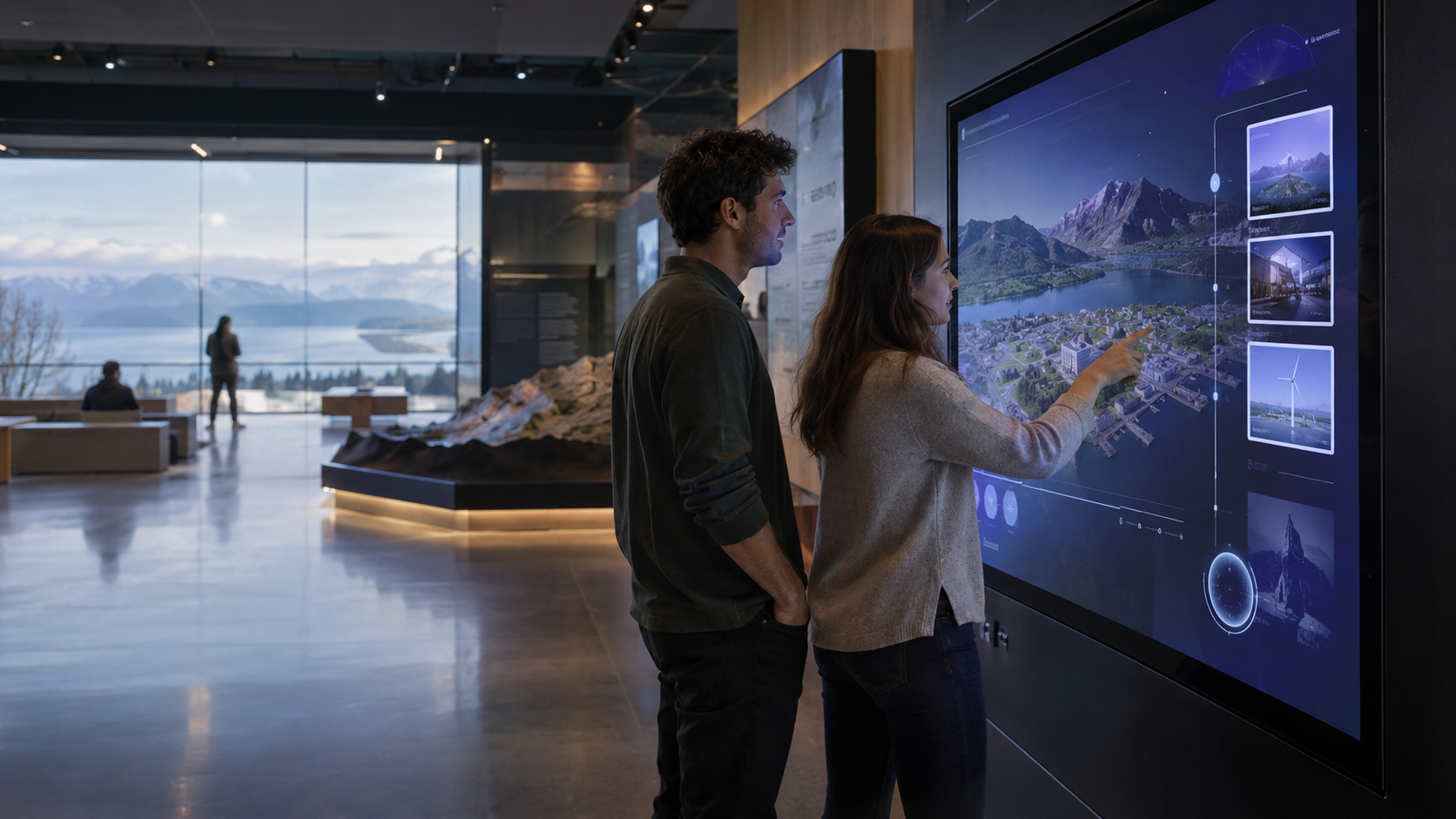
Two people exploring a large touchscreen display of a mapped landscape in a bright cultural space
Real places. New possibilities.

How it works

From idea to impact.

A simple, flexible way to create and share immersive experiences — on your terms.

  1. 01

    Bring your world

    Start with what you already have — a scan, a model, a 360 tour, a CAD drawing or simply an idea.

  2. 02

    Build what you need

    Shape it into a Showcase, Experience or Smart Space — enriched with media, interaction and guidance.

  3. 03

    Deploy anywhere

    Share on the web, present with CyberTwin Player, or take it to AR, VR, touchscreens and immersive rooms.

What do you want to build?

Three ways to create. One platform.

Showcase, Experience and Smart Space are not separate products — they are three ways of using the same CyberTwin platform.

Layered digital-twin illustration showing a point-cloud building model on stacked translucent planes

Showcase

The object is the hero.

Present objects and collections beautifully — 3D scan portfolios, museum artefacts, product collections, vehicles, architectural models and student work. Visitors can inspect, rotate and explore, with media and information alongside.
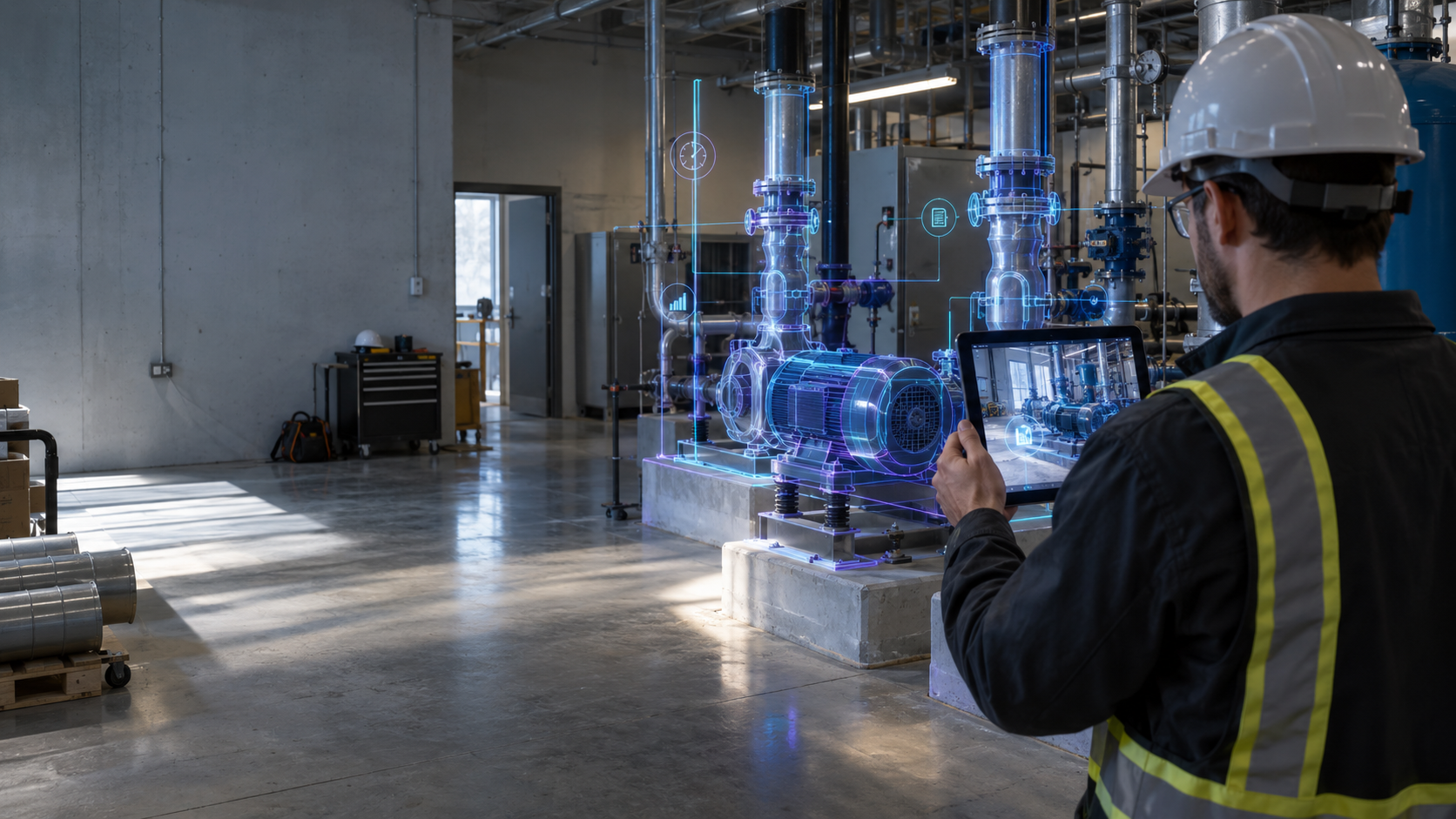

A worker in a hard hat using a tablet with an augmented-reality overlay of industrial equipment in a plant room

Experience

The journey is the hero.

Build experiences that guide, train, inform and tell stories — guided tours, inductions, education, museum interpretation and interactive exhibitions, combining scenes, media, audio, documents and guided navigation.

A team of four people collaborating around a large illuminated touch table displaying a 3D city model

Smart Space

The living place is the hero.

Connect physical places with live information, custom workflows and spatial intelligence — IoT-connected environments, spatial AR, bespoke plugins and integrations that make a real space interactive.

More than a viewer

Paint your environment with content, information and interaction.

CyberTwin is about enriching spatial environments. Add what your audience needs — no code required for the essentials.

Start creating
  • Video
  • PDFs & documents
  • Audio & narration
  • Hotspots
  • Interactions
  • Guided navigation
  • 3D overlays
  • Smart information
  • Annotations
  • Animations
  • External data
  • Custom plugins

Optional assistance

Your AI, your choice.

Not everyone is a script writer or experience designer — and you shouldn't have to be. CyberTwin helps you structure a journey, draft copy and plan interactions, using the AI tools you already trust.

Connect tools such as ChatGPT or Claude. CyberTwin provides the workflow; you keep control of the AI. Provider integrations are rolling out — availability varies by plan and version.

CyberTwin can help you

  • Structure an experience from your goal
  • Draft and refine narration and copy
  • Suggest hotspots, scenes and a guided route
  • Adapt content for different audiences

Deployment

Deploy where your audience is.

A project can start local and go public later — without rebuilding from scratch. Start on one target, redeploy to another when you are ready.

  • Web & shareable link
  • CyberTwin Player
  • Kiosk & touchscreen
  • Self-hosted web package
  • Meta Quest & WebXR
  • iOS / ARKit & Android / ARCore
  • MultiSet spatial AR
  • Igloo Vision & SimuDome
  • Managed enterprise publishing
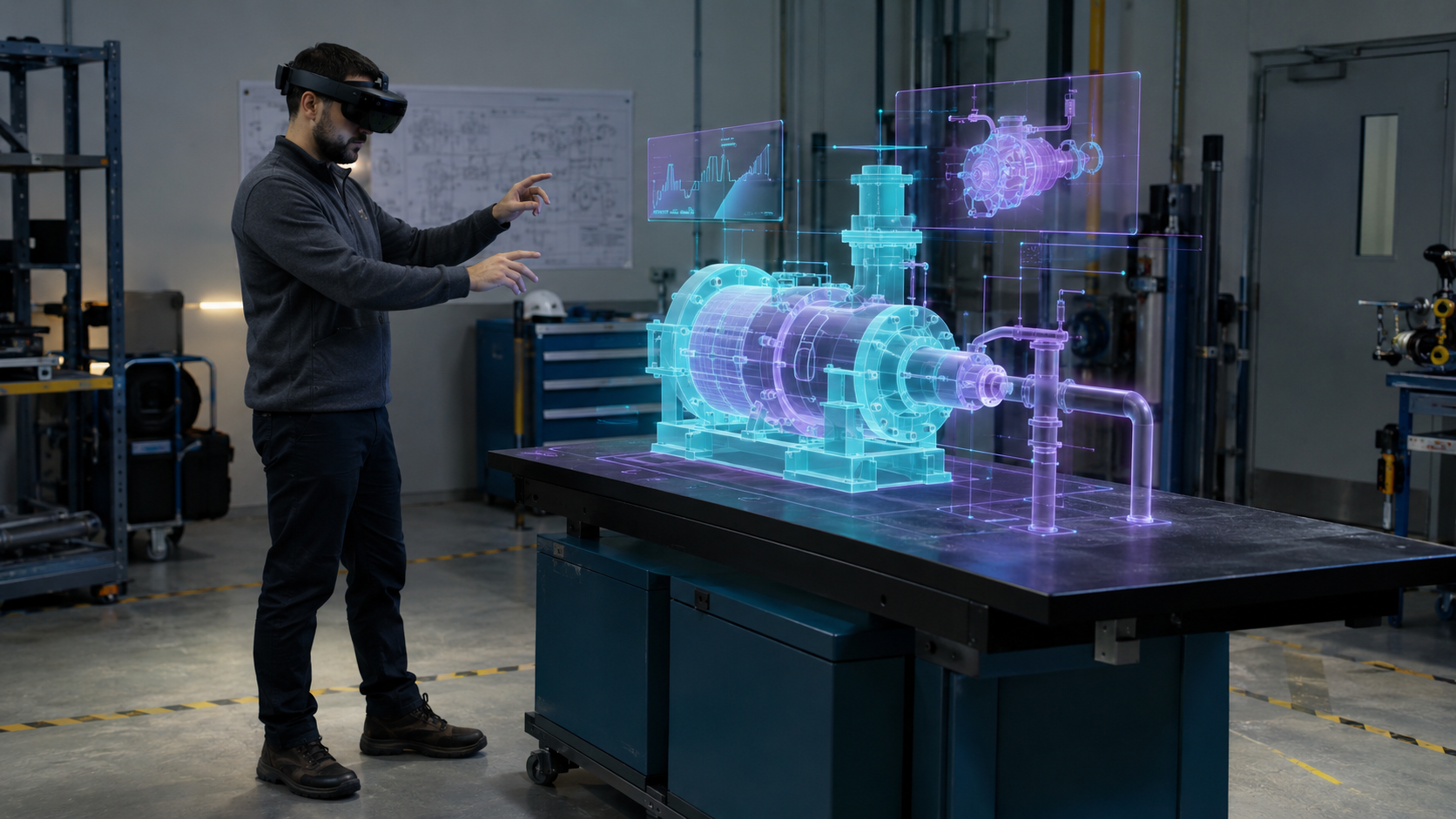
An engineer wearing a mixed-reality headset interacting with a holographic model of industrial equipment
A creator working at a desktop monitor showing a detailed 3D digital-twin model of a building site

CyberTwin Player

A lightweight runtime for experiencing, not editing.

CyberTwin Player is a free, read-only runtime that loads a CyberTwin package and presents it — kiosk auto-start, event installations, exhibitions and local presentations. Your experience carries your identity, not ours.

Studio

Create and edit.

Player

Experience and run.

Compatibility

Works with what you already have.

Bring your existing world. CyberTwin fits into your workflow — importing is the easy part, not the point.

Capture & scan

  • 360 images
  • 360 video
  • Matterport
  • E57
  • Leica
  • FARO
  • Insta360
  • GoPro MAX

3D & design

  • GLB / glTF
  • FBX
  • OBJ
  • CAD / BIM
  • Revit / RVT
  • SolidWorks
  • Gaussian splats Beta

Spatial partners

MultiSet

MultiSet Reality Models provide spatial AR localisation for appropriate Smart Space and Experience workflows.

Use cases

Built for people with something to show, tell or connect.

Heritage & museums

Interactive interpretation, collection showcases and virtual access to cultural spaces.

Training & induction

Guided learning journeys through real environments, with media and checkpoints.

Industrial & engineering

Smart Spaces connected to live data, equipment and bespoke workflows.

Architecture & real estate

Communicate proposals and places immersively, from CAD/BIM to the web.

Education & portfolios

Students and creators present 3D work beautifully — no specialist skills needed.

3D scanning & delivery

Scan companies deliver polished, branded customer handoffs and portfolios.

Tourism & visitor experiences

Guided tours and storytelling that help visitors explore before or after they arrive.

Selected project experience

Organisation names and case studies are added here following approval.

No lock-in

Build it once. Keep it yours. Deploy it your way.

Your projects remain accessible even if your plan changes — advanced Pro editing tools may pause on downgrade, but your work does not disappear behind a subscription wall. Self-host web packages on your own infrastructure, and present for free with CyberTwin Player.

What do you want to make?

Bring the idea. CyberTwin helps with the how.

Get started
Contact

Get in touch.

Questions, demos, partnerships — send us a message or email us directly.

Email us at info@cybertwin.com